POPFire 2.0
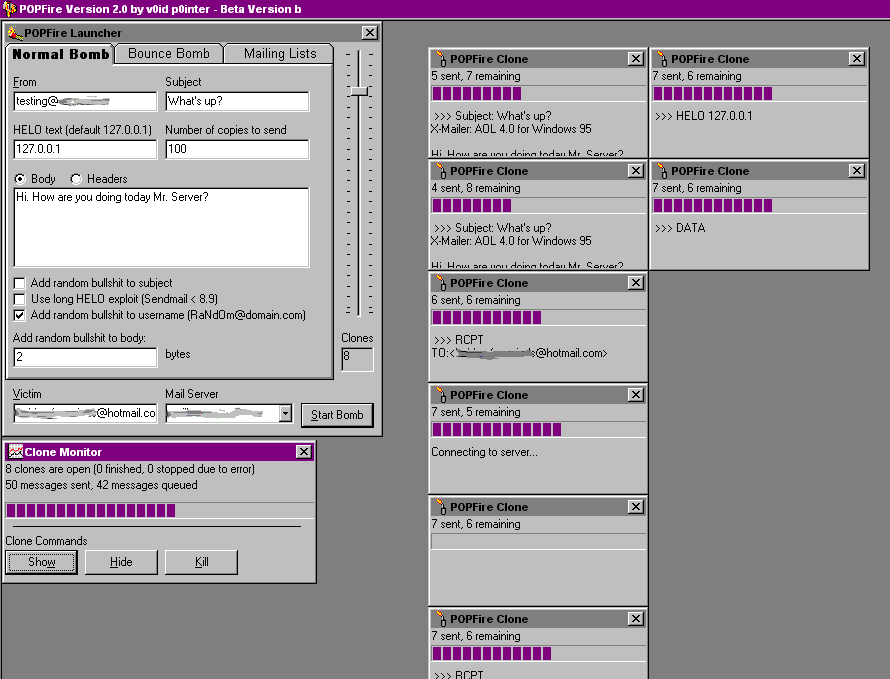
POPFire 2.0 introduces advanced multi threaded mailing techniques to the SMTP client. POPFire can be used to test the reliability and speed of a mail server by sending multiple copies of a message, or to test anti-spam security by using the mail forging features. POPFire can also be used to subscribe yourself to up to 10,144 mailing lists with just a few clicks! Or, instead, you can pick mailing lists that interest you from a list and subscribe to only those.
Click to enlarge [26K]
The fire is BURNING...
System Requirements: Windows 95 or Windows 98, 16 MB Ram (32 Recommended), 5 MB disk space for setup and installation, standard TCP/IP internet connection (works with AOL 3.0 32 bit and up)[Download version 2.0b 2.8 MB]
Known bugs
Missing Default Values: If you do not want any garbage data in the body of the messages, make sure you type a 0 in the appropriate box. In the HELO box, make sure you type a domain or 127.0.0.1 or your bomb will not work.
Using POPFire
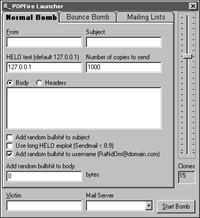 The standard mail bomb sends multiple copies of the same message to the same person. Optionally, you can configure POPFire to add random characters to the subject or body of the messages. Also, you can set it to randomize the "From" address. If you use this feature, type only "@somedomain.com" in the from field. POPFire will fill in the user name with random garbage characters.
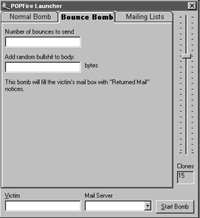 The bounce bomb will flood the victim's POP mail box with "Returned Mail" messages. You can specify how many of these messages the victim will receive, and the size of them in bytes. If you are bombing an AOL member, message size does not have a great effect because messages are not downloaded automatically.
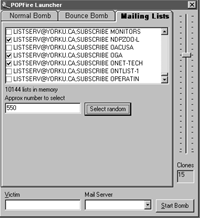 The mailing list bomb is by far the most wicked email bomb of all. Unlike the other two bombs, which do no recurring damage, the mailing list bomb will leave the victim subscribed to hundreds or thousands of different mailing lists. 10,144 mailing lists are available in POPFire (they are contained in a pflserv.txt, for those who care). You can select mailing lists manually, or type a number in the text box and click select random to have POPFire select large amounts of lists randomly. Make sure you click on the select random button after you type a number in the box, or no lists will be selected.
Picking a server and setting up clones
Before you actually bomb someone, test it on yourself. Set up POPFire to use 1 clone and 1 message using the normal bomb feature. POPFire comes with a list of mail servers that you can use in the file pfserv.txt, which is loaded automatically into the servers list box. You can pick one of them, or type in your own. If you find a good server that is not in the list, make sure you add it to pfserv.txt. Be aware that your IP address will be sent out with your bomb. If you are on AOL or another large ISP, this is usually no problem.
However, if you have a static IP or a traceable dynamic one, use caution when bombing, or get a fraudulent internet account or free trial with AOL or some other shitty service. The number of clones will greatly affect bombing speed. The number you should use depends on your RAM and computer speed. Start out with 10 clones (after you have tested with only 1 clone...). If you get some errors or crashes, reduce the amount of clones. If it works fine, you can increase the amount to make POPFire send messages faster. You can send multiple bombs by clicking "Start bomb" multiple times. Starting a new bomb will not interfere with one that is already going. If you want to stop a bomb, use the Kill button on the clone monitor. If you want to see the status of all of the individual clones, use the Show button. You can use the Hide button to get rid of the windows, without interfering with the progress of the bomb.
Have lots of fun with POPFire!
This page has had .